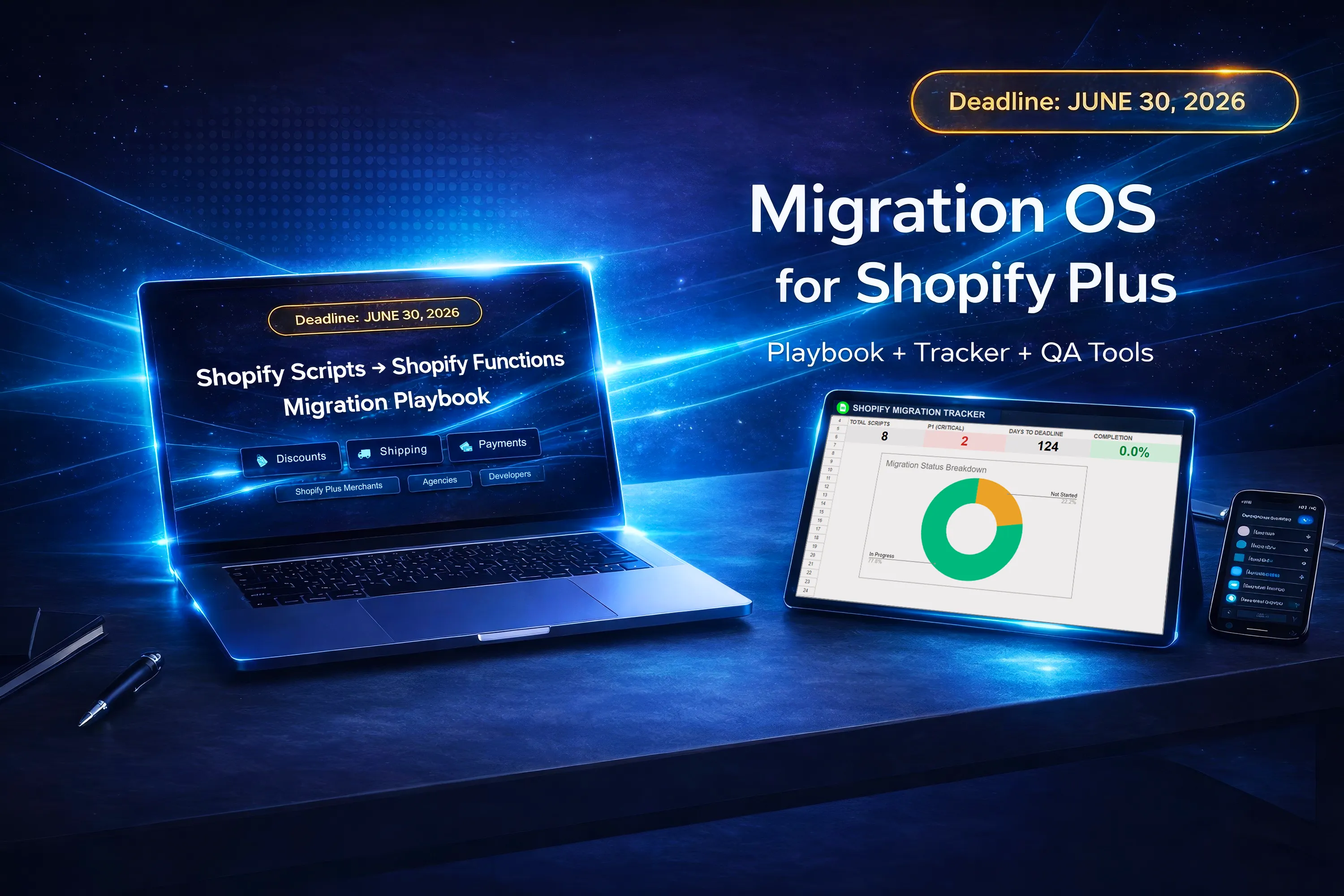
Shopify Functions Migration Checklist
for Shopify Plus Teams
A practical checklist for teams replacing Shopify Scripts with Shopify Functions.
Use this page to audit existing logic, prioritize migration work, choose the right replacement path, validate with QA, and roll out with more control.
What should teams do first?
Shopify Plus teams should start by inventorying every Script, documenting what each one does, ranking them by business risk, and deciding whether each use case should be replaced with native Shopify functionality, a third-party app, or custom Shopify Functions. Only after that should teams move into implementation, QA, and rollout planning.
Migration work breaks down when teams skip structure
Shopify Functions migration is not only a development task. It is also an audit, prioritization, QA, and rollout problem. Teams that start coding too early often discover missing context later.
A checklist helps teams reduce blind spots, define ownership, and move through the transition in a more controlled order — instead of treating migration as a collection of unrelated technical tasks.
Shopify Functions migration checklist
Use this as a practical sequence for planning and validating Shopify Scripts to Shopify Functions migration work.
Inventory all Scripts
Build a complete list of active and inactive Scripts, including any logic that has been partially replaced or poorly documented.
Document current behavior
Record exactly what each Script changes in checkout, including discounts, shipping behavior, payment rules, and exceptions.
Identify business-critical logic
Separate high-impact logic from lower-risk behavior so the migration sequence reflects real operational risk.
Rank by priority
Score each migration item by business impact, technical complexity, and urgency so the team can work in a rational order.
Choose replacement path
Decide whether each Script should move to native Shopify capabilities, a third-party app, or custom Shopify Functions.
Assign ownership
Clarify who owns planning, implementation, QA, sign-off, and rollout decisions across the team.
Define QA scenarios
Build a validation set covering expected behavior, regression risk, edge cases, and high-value checkout paths.
Prepare rollout controls
Define launch readiness, go/no-go criteria, communication ownership, and fallback thinking before release.
A strong migration plan usually starts with visibility, then prioritization, then replacement decisions, then QA and rollout control.
Not every Script needs the same migration path
Native Shopify
Some logic may no longer need custom handling if native features cover the use case cleanly.
Third-party apps
Some teams may prefer app-based replacement where the operational tradeoff makes sense.
Custom Functions
Business-critical or highly specific logic may still require custom Shopify Functions implementation.
What should be included in migration QA?
- Expected checkout behavior after replacement
- Discount logic and edge-case validation
- Shipping and payment rule verification
- Regression checks on high-value flows
- Ownership and sign-off clarity before release
- Go/no-go and rollback readiness
A practical migration workflow
Audit
Build a complete Script inventory.
Prioritize
Rank work by risk and complexity.
Replace
Choose the right replacement path.
Validate
Run structured QA before launch.
Roll out
Launch with control and ownership.
Need more than a checklist?
DeckOS HQ provides a full migration toolkit with a playbook, tracker, QA matrix, triage guide, and developer support assets for Shopify Scripts to Functions migration.