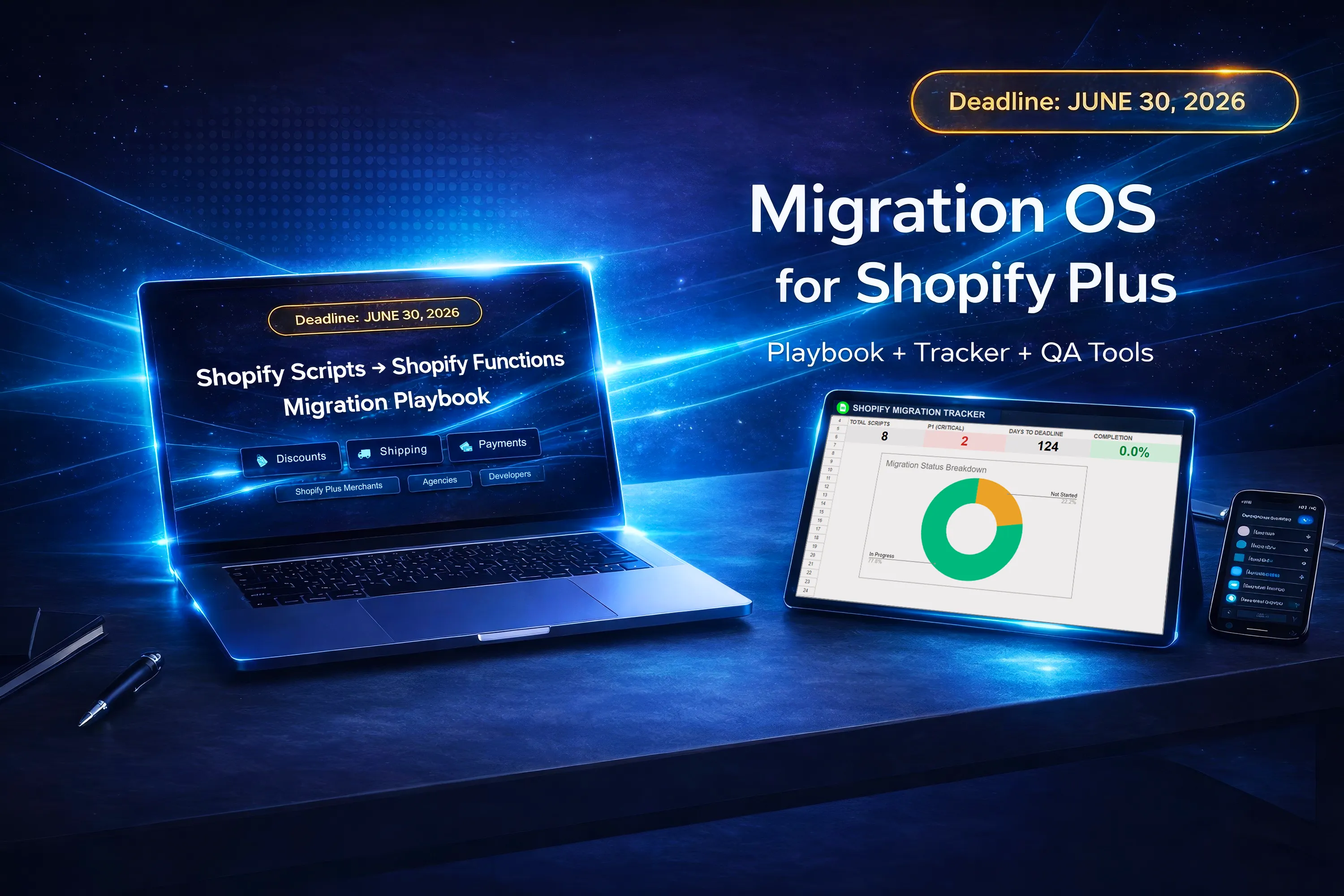
Shopify Scripts Stop Working
After June 30, 2026
After June 30, 2026, legacy Shopify Scripts stop functioning.
For Shopify Plus teams, that means checkout customizations must be audited, prioritized, and replaced before the deadline.
What does the deadline actually mean?
Shopify Scripts will no longer work after June 30, 2026. Shopify Plus teams should start by auditing every active Script, documenting its checkout behavior, identifying business-critical logic, and deciding whether each customization should be replaced with native Shopify features, third-party apps, or custom Shopify Functions.
What changes after the Shopify Scripts sunset?
The biggest operational change is simple: legacy Shopify Scripts stop functioning after the deadline. Any workflow that still depends on them becomes a migration problem, not a future enhancement.
For many Shopify Plus teams, that affects discount logic, shipping rules, payment-related customization, or other checkout behavior that has been running quietly in the background for a long time.
The main risk is not only technical replacement work. It is incomplete visibility. Teams often do not have a clean inventory, a shared ownership model, or a reliable picture of which Script behaviors are business-critical.
What Shopify Plus teams should audit now
Before deciding how to migrate, teams need a clear picture of what exists, what matters, and what could break.
Active and inactive Scripts
Start with a complete inventory. Teams often remember the most visible Scripts but miss inactive, legacy, or partially replaced logic that still matters operationally.
Checkout behavior tied to Scripts
Document what each Script actually changes in the customer experience, including discounts, shipping options, payment availability, and edge-case behavior.
Business-critical logic
Separate convenient logic from revenue-critical logic. Some scripts directly affect conversion, margin protection, or high-volume workflows and need faster attention.
Replacement paths
Not every Script needs a custom rebuild. Some use cases may be replaced with native Shopify capabilities, others with apps, and some with custom Shopify Functions.
QA coverage
Migration risk often appears during validation, not during planning. Teams should define what must be tested, where regression risk sits, and which flows need dedicated sign-off.
Rollback readiness
The migration should not end at “replacement complete.” Teams also need rollout control, ownership, and contingency planning if something does not behave as expected.
How to prioritize Scripts before migration
P1 — Critical risk
Logic tied directly to checkout stability, conversion, or revenue protection.
P2 — High importance
Important customer or operational logic that needs replacement planning soon.
P3 — Lower urgency
Useful logic with lower business impact or easier fallback options.
P4 — Low impact
Smaller or replaceable logic that can be planned later without major operational risk.
Common migration risks teams miss
- Undocumented Script behavior that nobody has reviewed recently
- Unclear ownership between ops, dev, and QA
- Testing that starts too late in the migration cycle
- Assuming every Script needs a custom rebuild
- Forgetting edge-case checkout scenarios and exception flows
A simple migration workflow for Shopify Plus teams
Inventory
Document what Scripts exist and what they do.
Prioritize
Rank work by business risk and complexity.
Choose path
Decide native, app, or custom replacement path.
Validate
Use QA coverage to reduce regression risk.
Roll out
Launch with ownership, control, and rollback readiness.
Need a structured migration system?
If your team needs more than general guidance, DeckOS HQ provides a downloadable migration toolkit with a playbook, tracker, QA matrix, triage guide, and developer support assets for Shopify Scripts to Functions migration.